We offer a 7 day replacement guarantee on all items that arrive defective or damaged. View our full policy here.


All payment methods are fully secure via SSL. We have the following payment methods available: Credit & Cheque Card; Instant EFT; QR Code Apps; Debit Card; MobiCred; and SCode.
Description
Specifications:
Brand: HXSJ
Model: S500
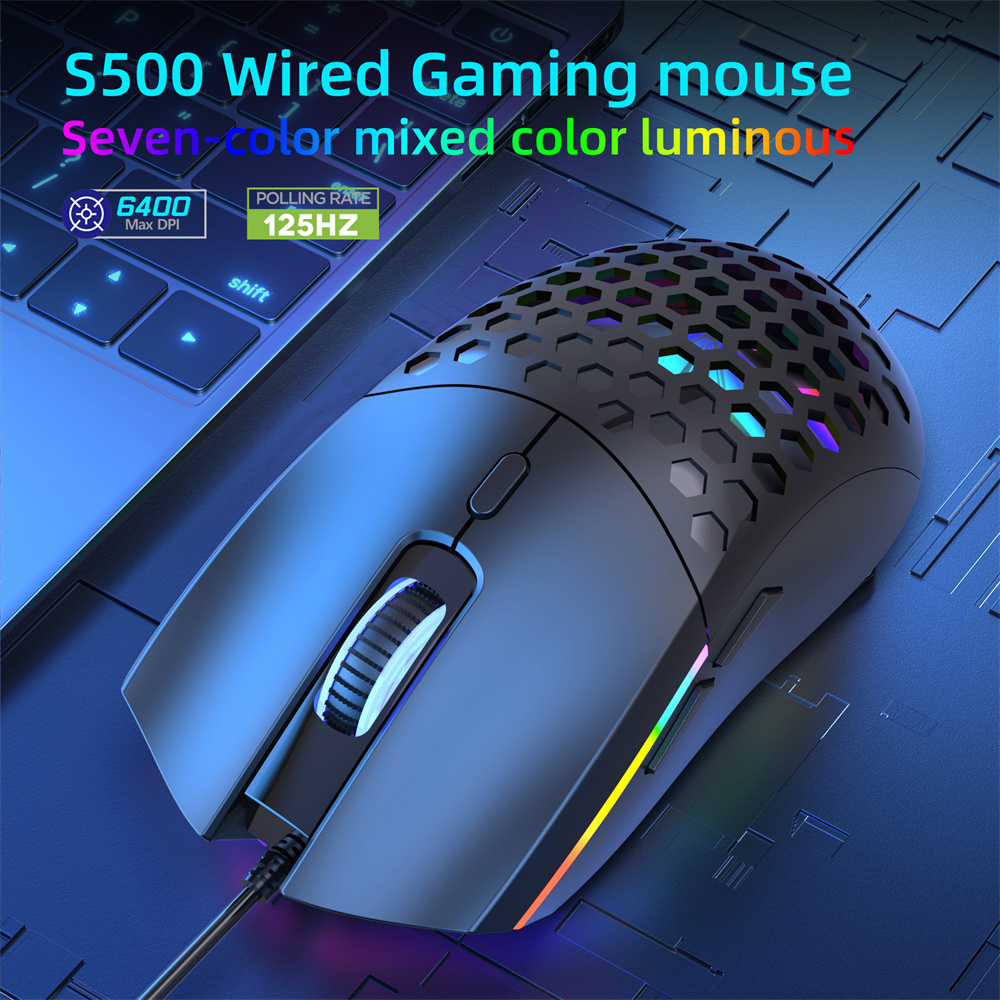
Product Name: S500 Wired Mouse
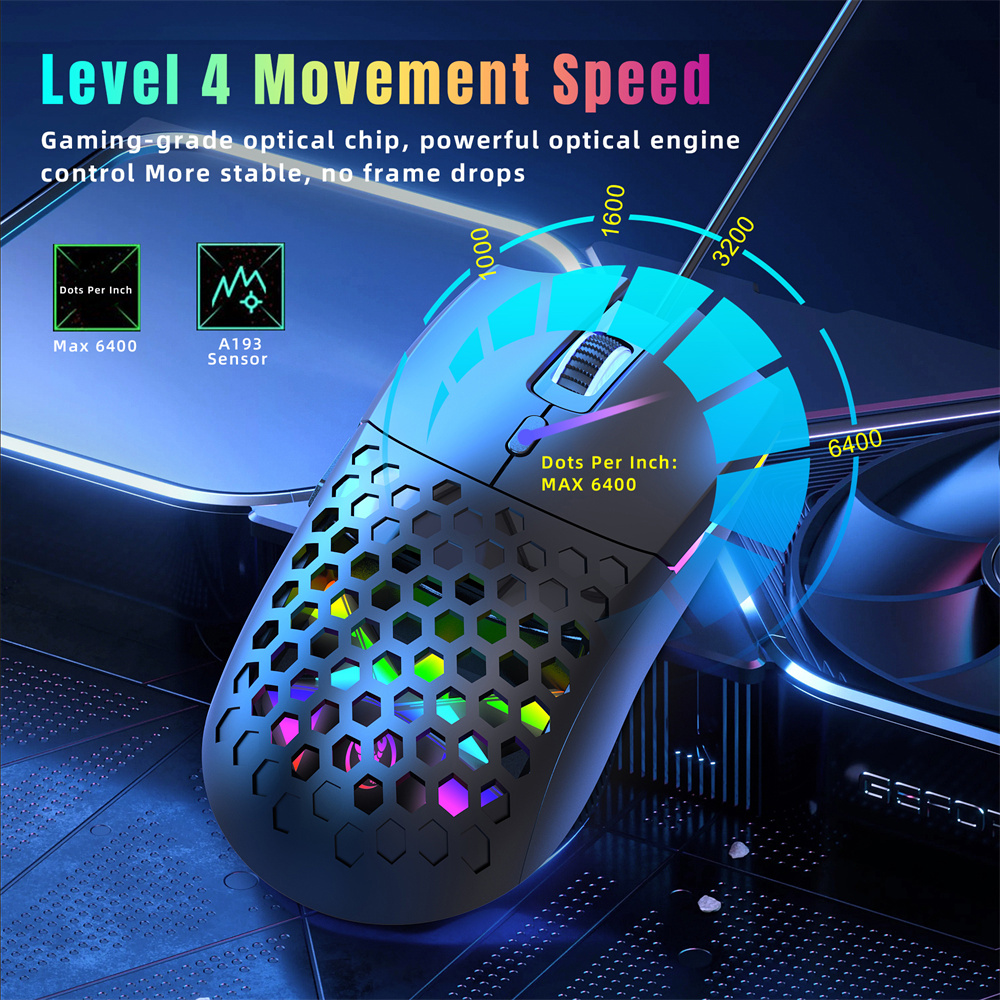
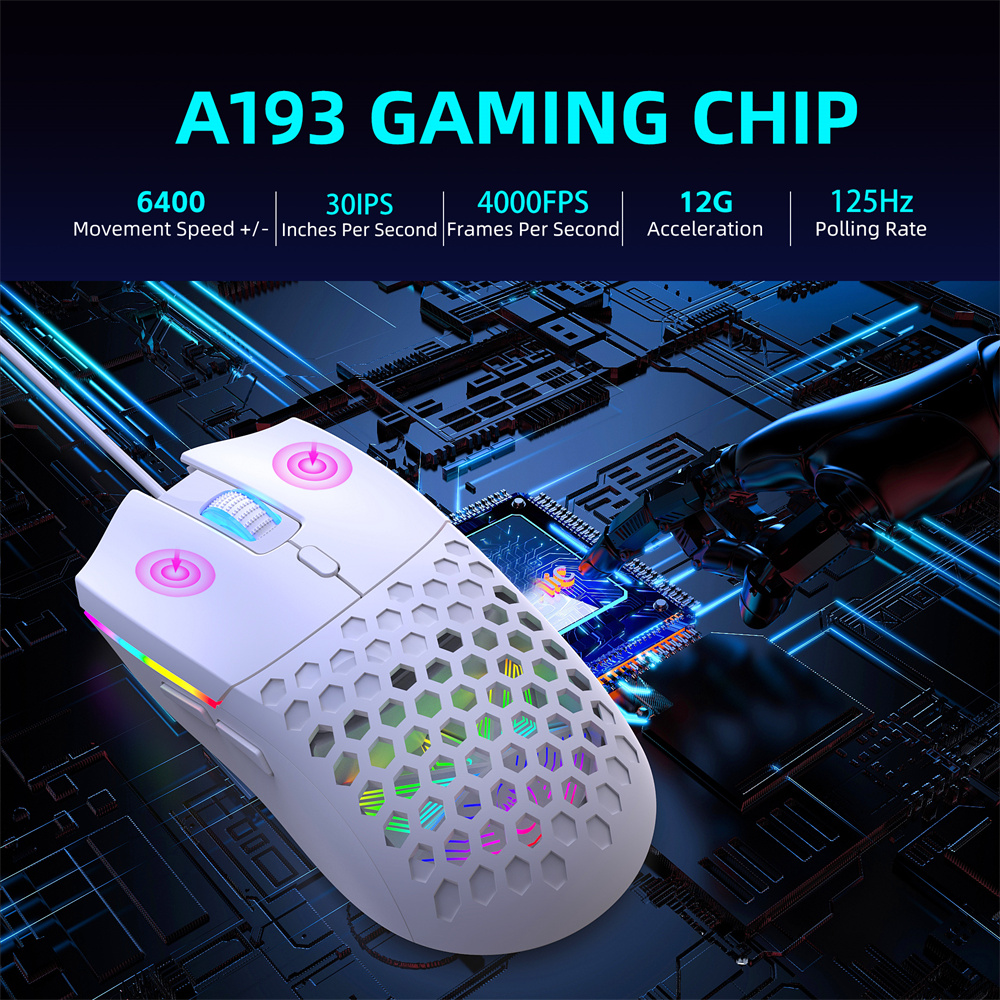
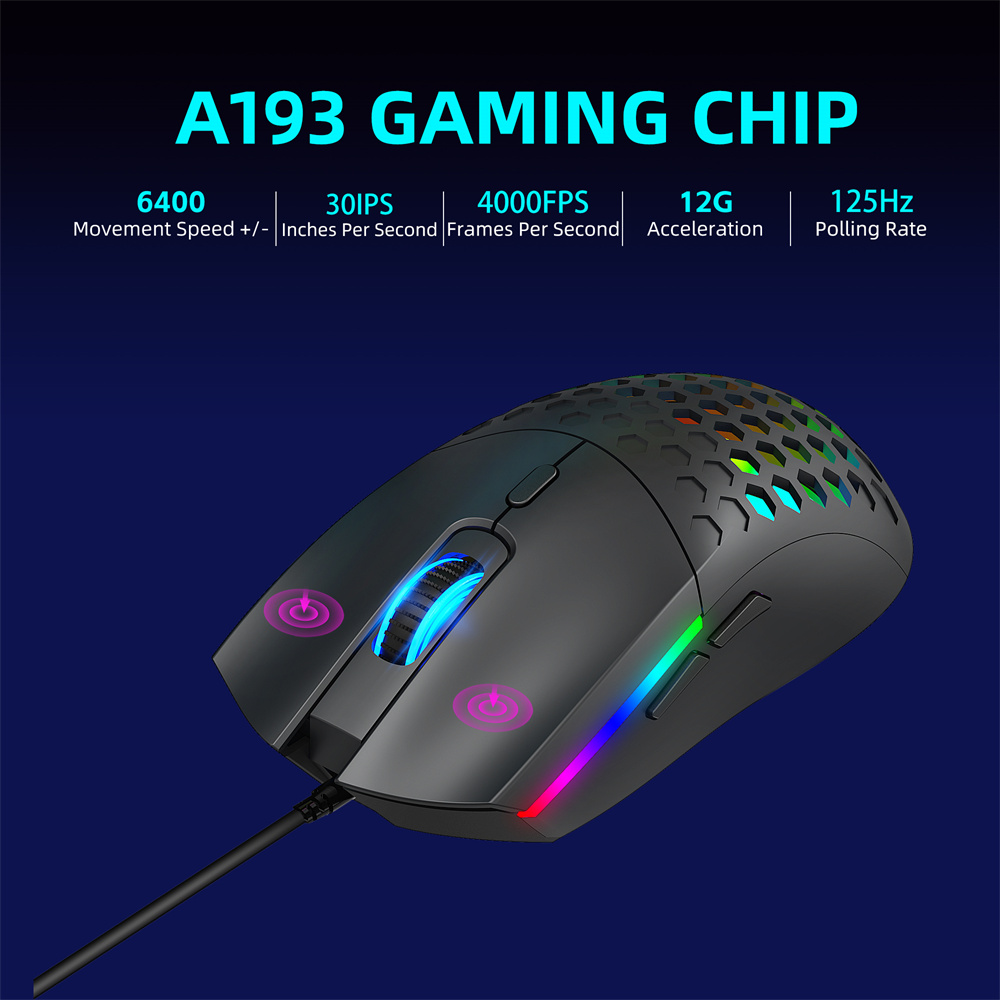
IC:A193
Polling Rate: 125 Hz
Inches Per Second: 30IPS
Frames Per Second: 4000FPS
Acceleration: 12G
Dots Per Inch:1000-1600-3200-6400.
Material: ABS
Tracking System: Optical
Rated voltage/current: DC 5V/100mA
Connection method: wired
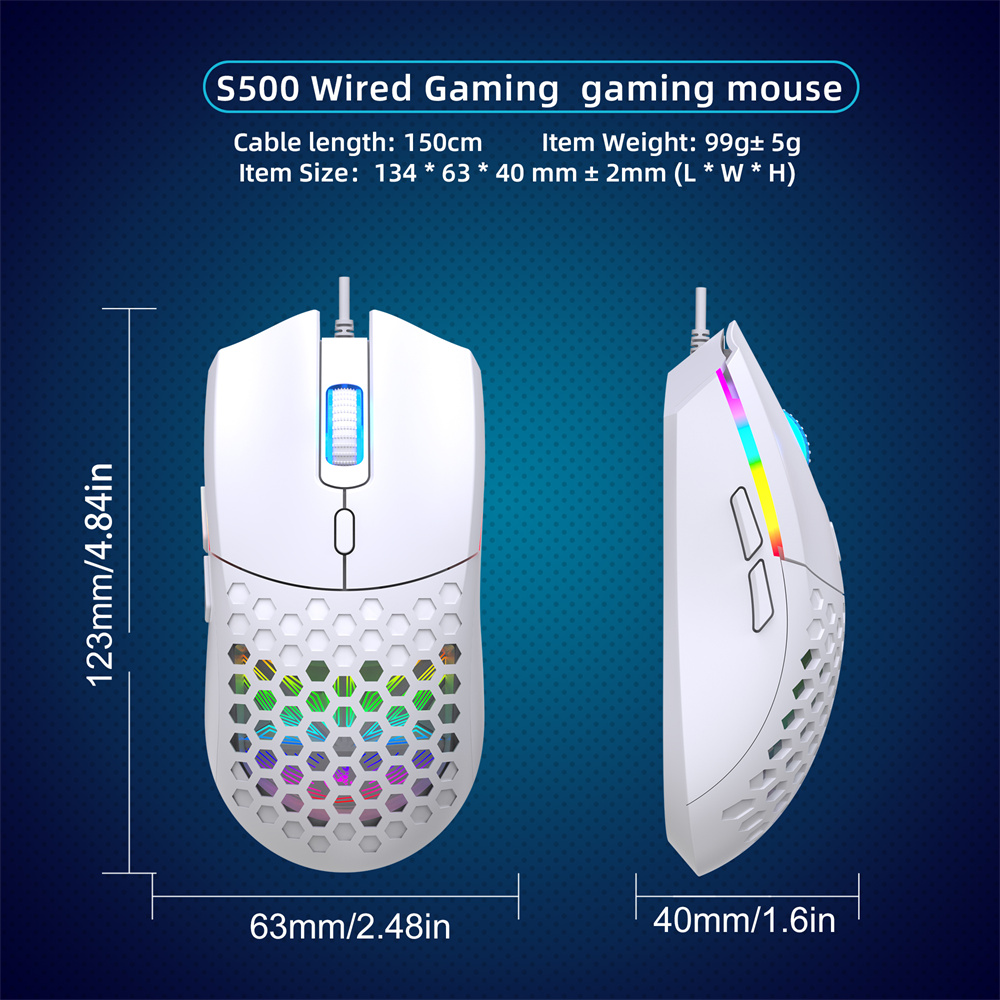
Cable length: approximately 150 centimeters
Port: USB 2.0
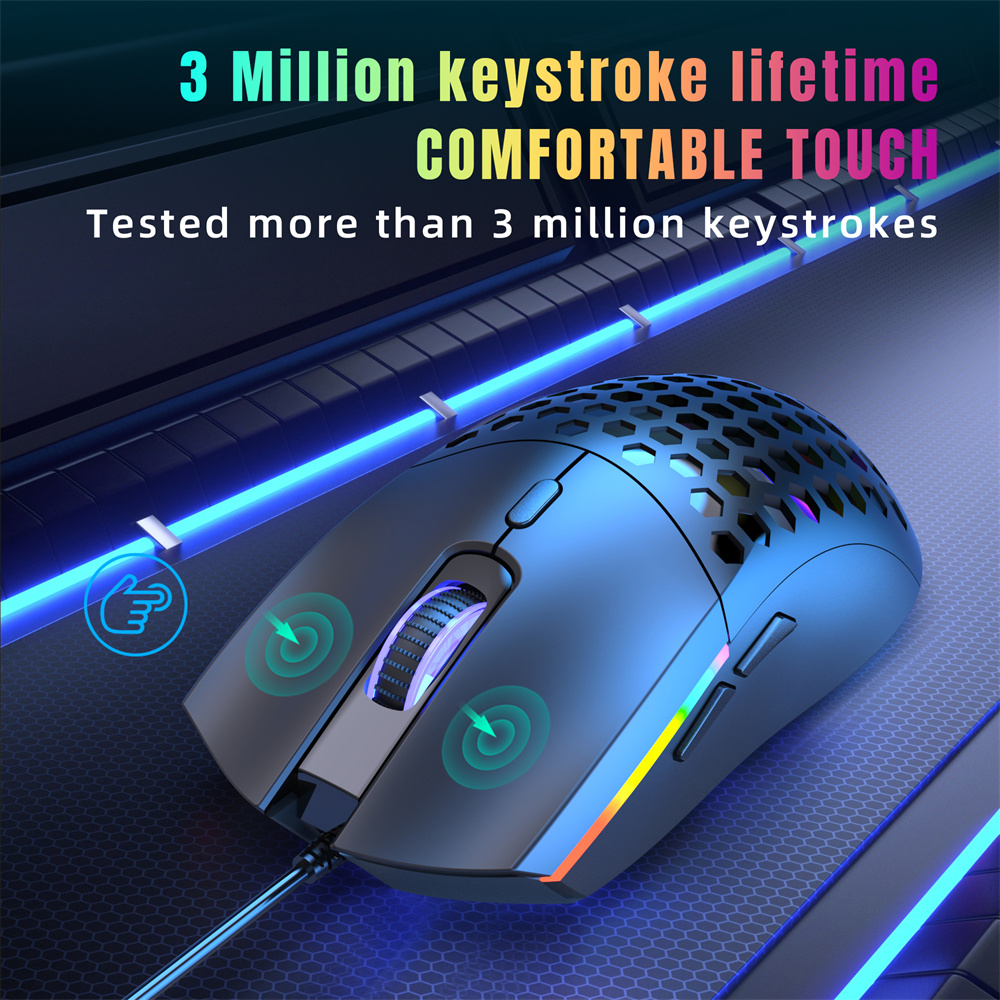
Switch lifespan: 3 million cycles
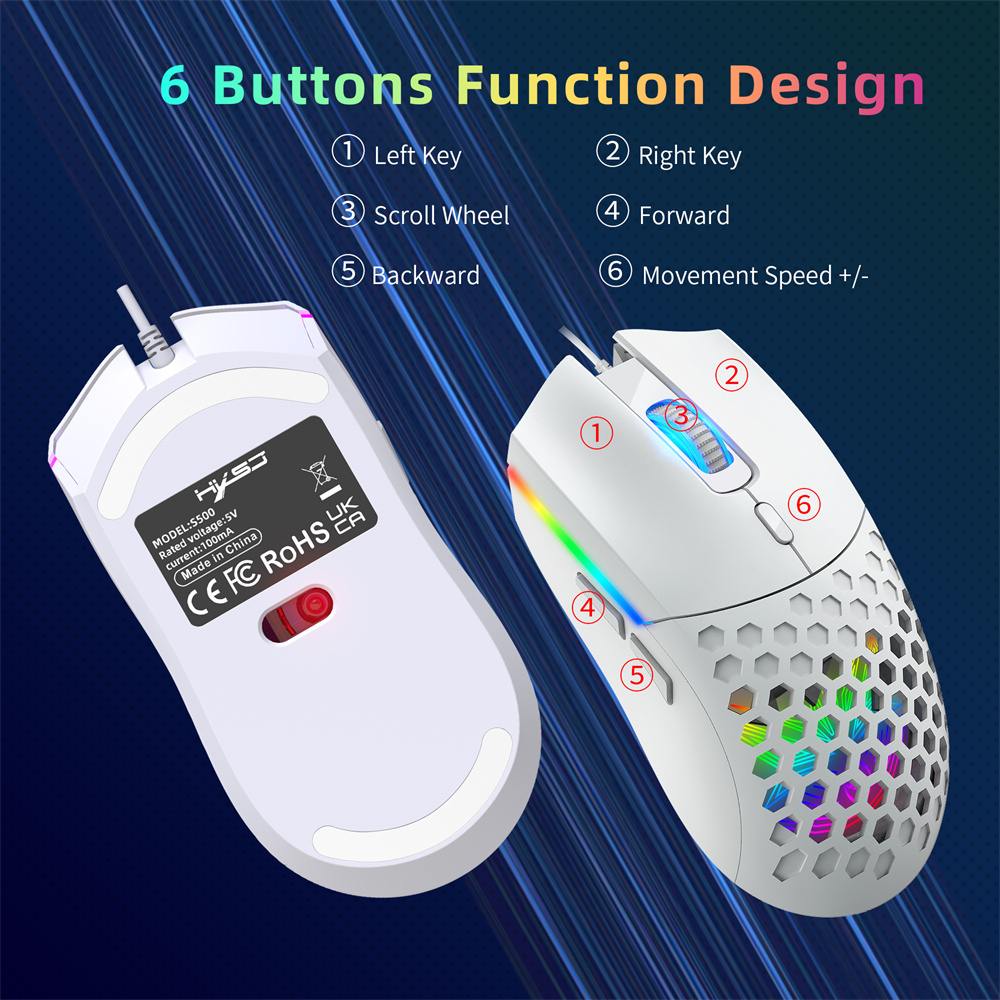
Button: Left, Right, Scroll Wheel, DPI
Forward, Retreat
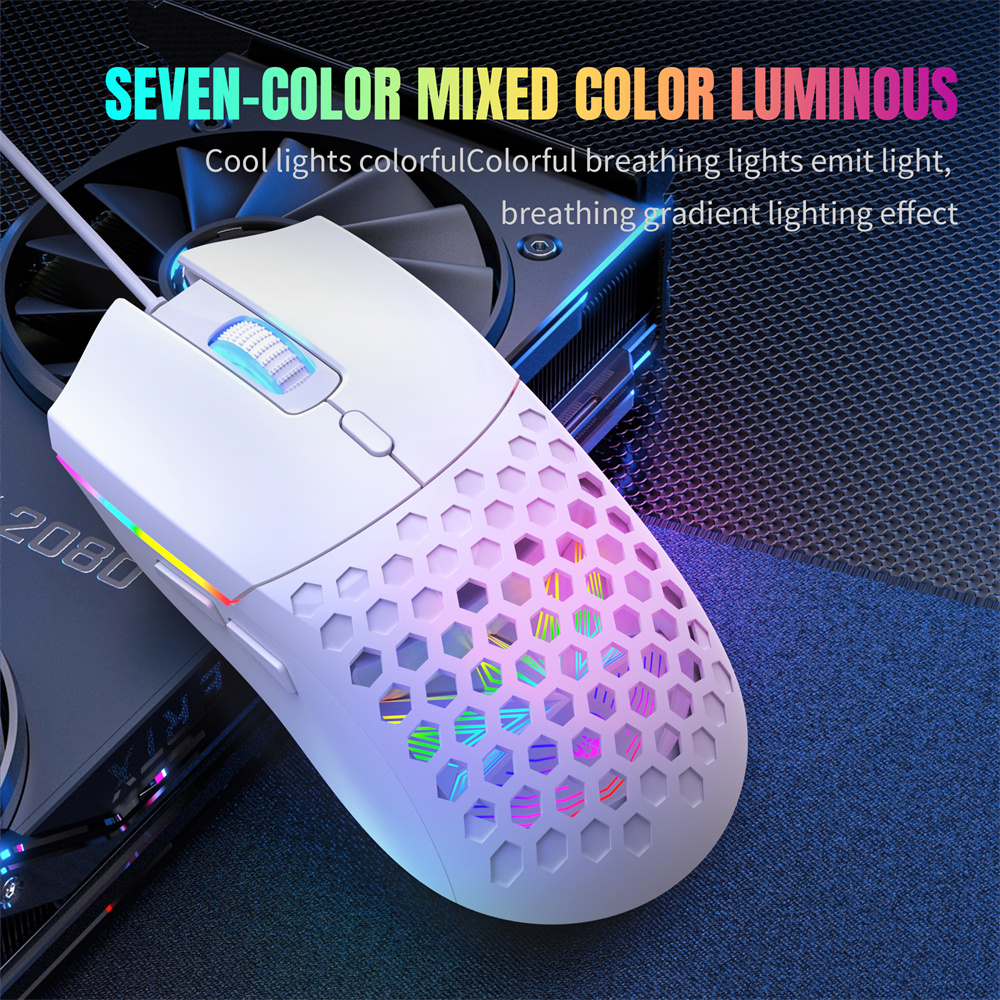
Light effect: 7-color backlight
Cable length: 1.5 meters
Mouse weight: 99 grams
Mouse dimensions: 12.3 x 6.3 x 4.0 cm
Package weight: 131 grams
Package dimensions: 13.5 x 8.5 x 4.7 cm
Features:
1. Seven-color lighting effects: Mixed color luminous options create a stunning visual gaming atmosphere.
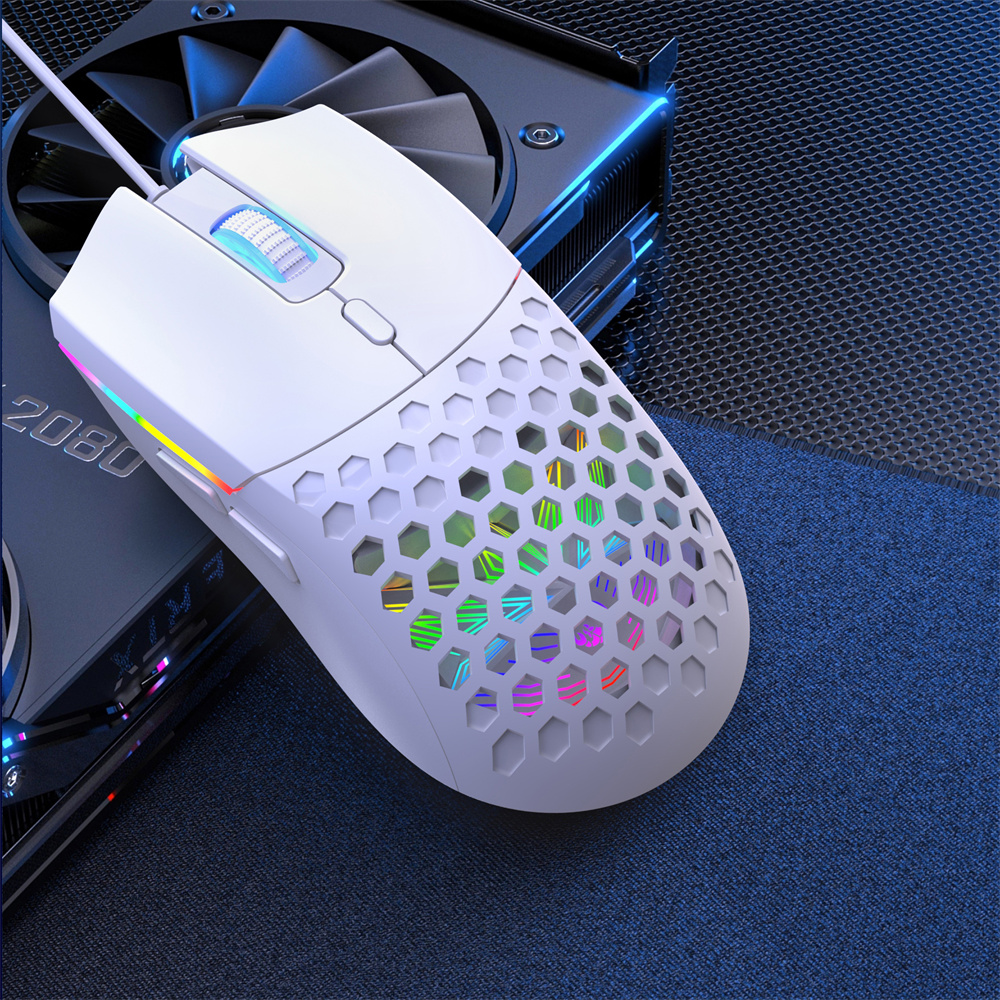
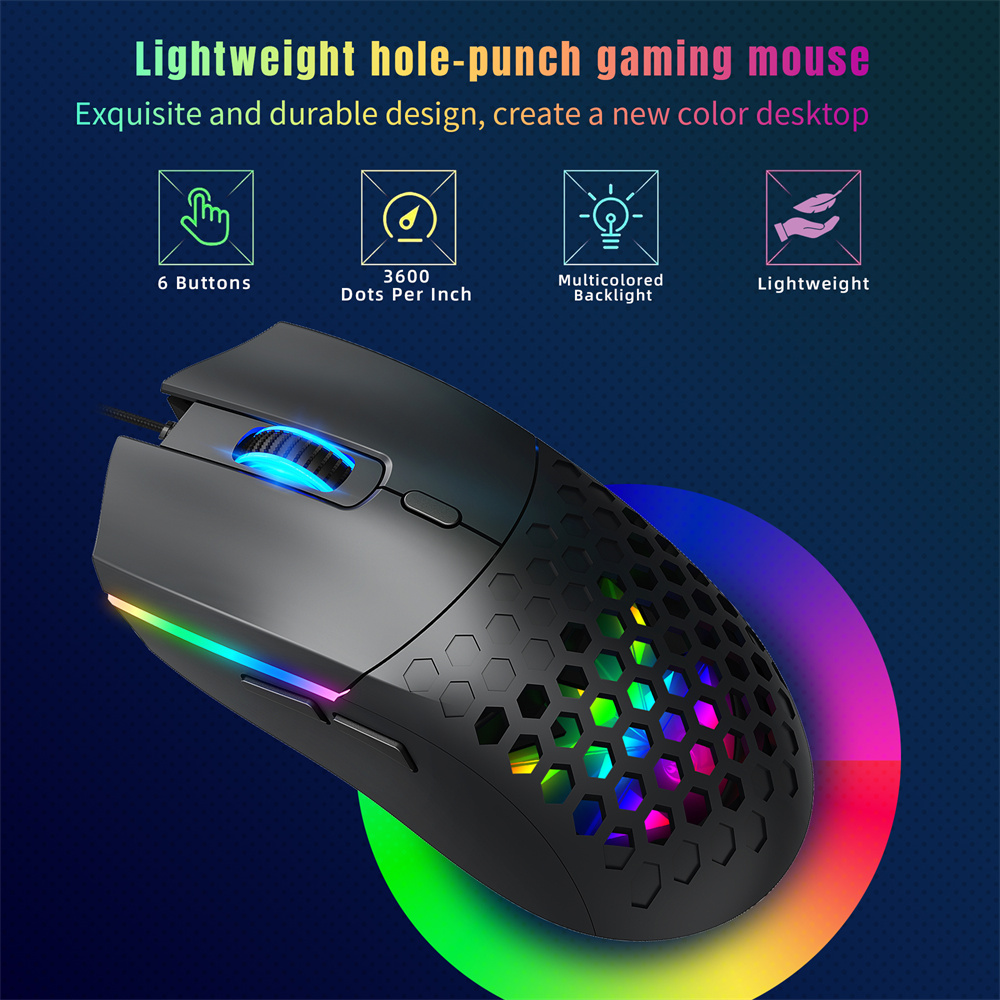
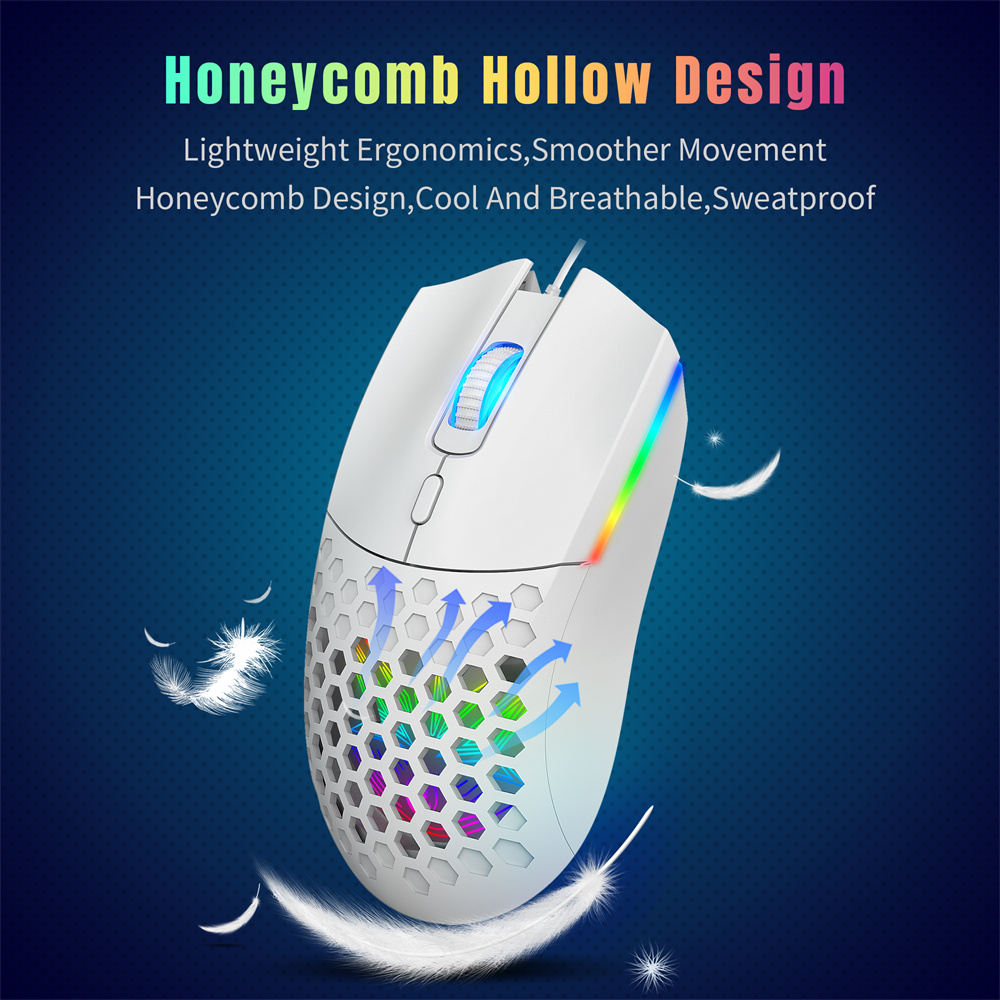
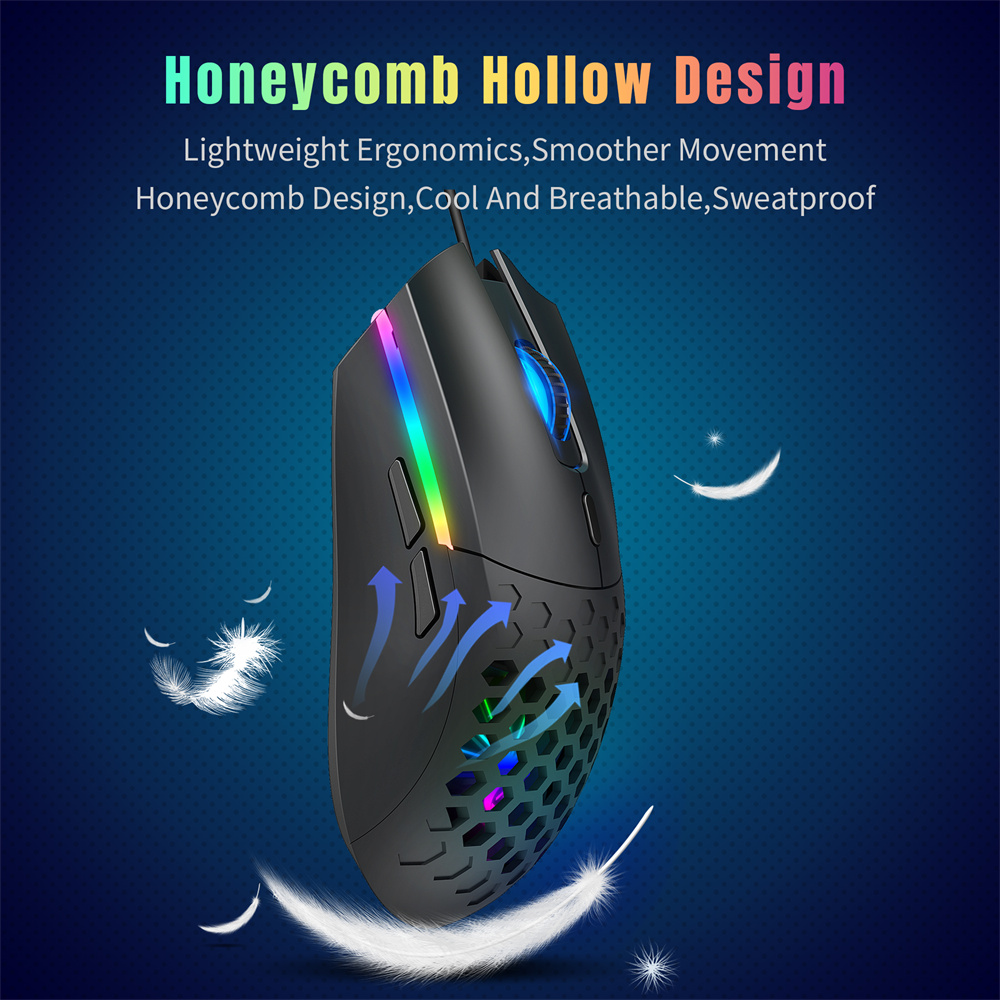
2. Honeycomb hollow technology: Designed for better ventilation and non-slip performance during long-term usage.
3. A193 Gaming Chip: Offers high-precision optical tracking with 30IPS and 6400 DPI for smooth and accurate performance.
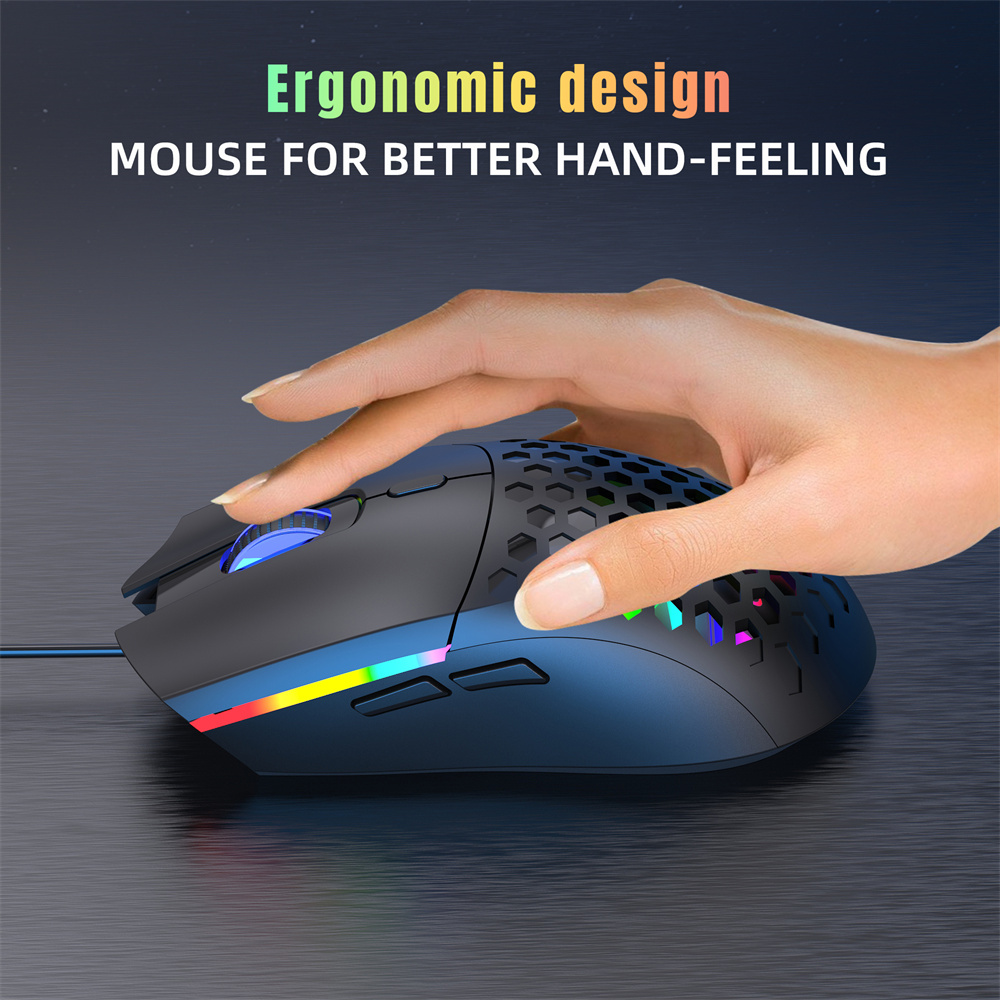
4. Ergonomic design: Provides excellent hand support for fatigue-free long gaming sessions.
5. Six-button functionality: Includes left key, right key, scroll wheel, forward, backward, and movement speed adjustment.
6. Multi-system compatibility: Works seamlessly with Windows XP/Vista/7/8/10/11 and for Mac OS.
Package Include:
1x Mouse
1x User Manual
Support System:
Windows 7/8/10/2000/XP/Vista for Mac OS and Linux or latest
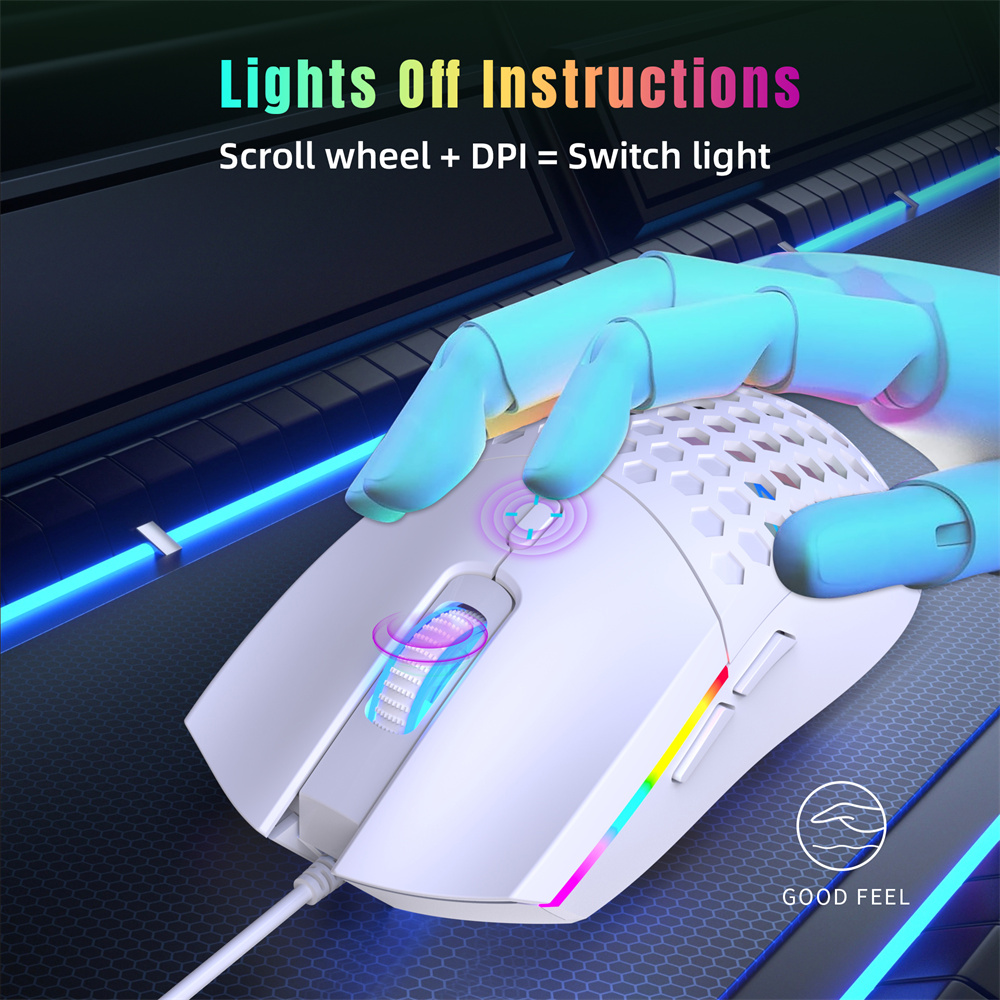
How to turn off the lights:
Hold down the scroll wheel key and the Dots Per Inch key to turn the lights on or off.
How to use:
After plugging the USB interface of the mouse into the computer, the mouse will automatically install the driver, and the mouse light will turn on, making it ready for use. It is very convenient, with plug-and-play functionality.